3. IDM Installation ‐ Part 2
Create IDM Provisioning File
After IDM LCM is installed, we can start the provisioning wizard to create a response file which specifies the parameters for all IDM components to use.
xxxxxxxxxxsu - oracleJAVA_HOME=/oracle/jdk6export JAVA_HOMEcd /oracle/idm/Oracle_IDMLCM1/provisioning/bin./idmProvisioningWizard.sh &
In
Create Response Filescreen, selectcreate a new identity management environment provisioning response fileIn
Product Listscreen, select everything in the product list (default)In
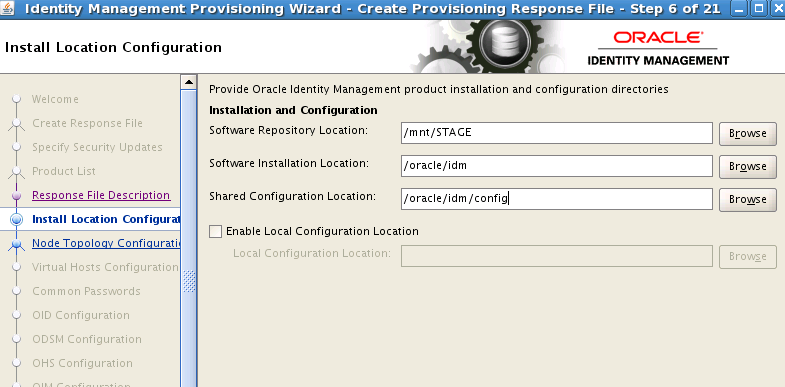
Install Locationscreen, put the folder as below.The
Software Repository Locationfield is the<STAGE>folder; it must containinstallersfolder under it.
In
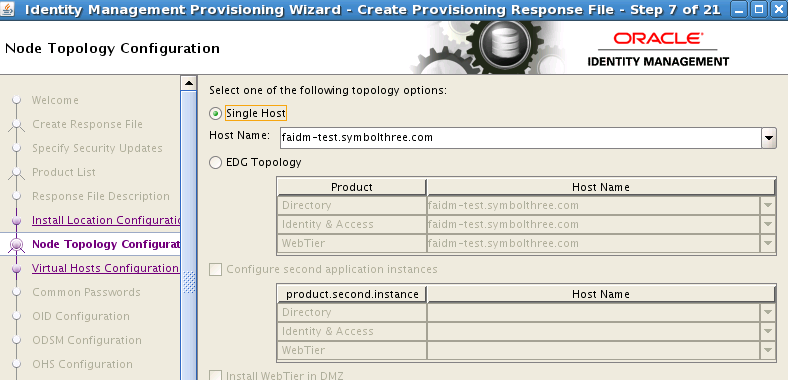
Node Topologyscreen, selectSingle Host, and put the FQDM of theFAIDMnode as Host Name
In
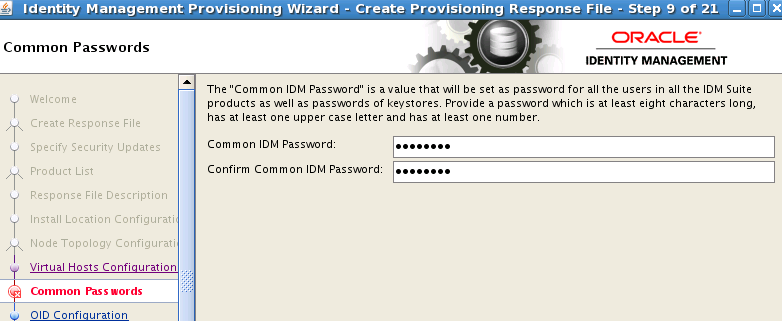
Common Passwardsscreen, setWelcome1for all IDM users
In
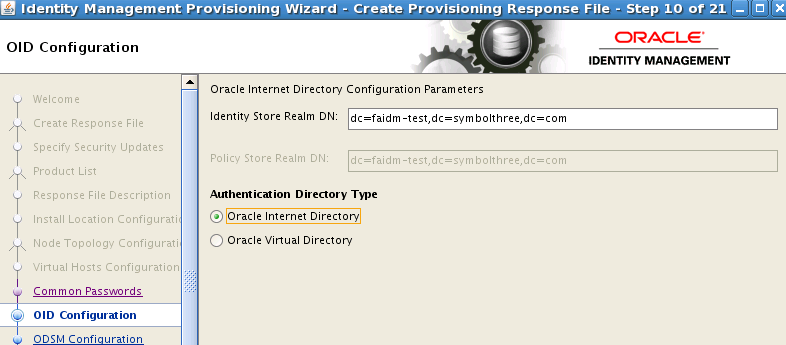
OID Configurationscreen, put the ID Store Realm DN asdc=[hostname], dc=[domain], dc=[top-level domain]
Use default setting in
ODSMandOHSscreensIn
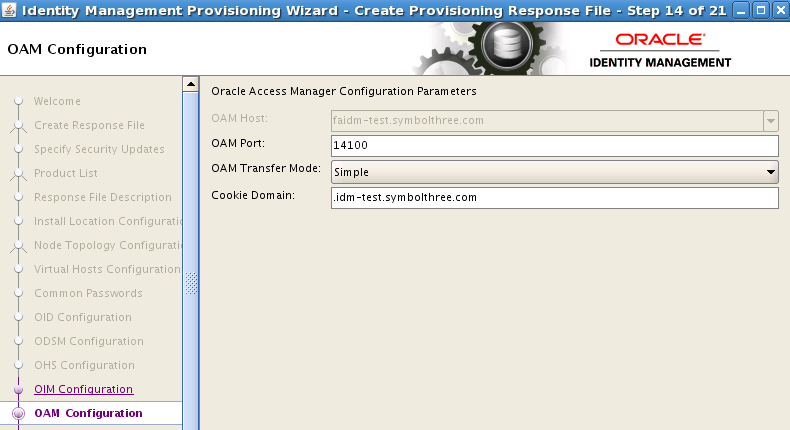
OIM Configurationscreen, take the default settings. Cookie Domain is.[hostname].[domain].[top-level domain].
In
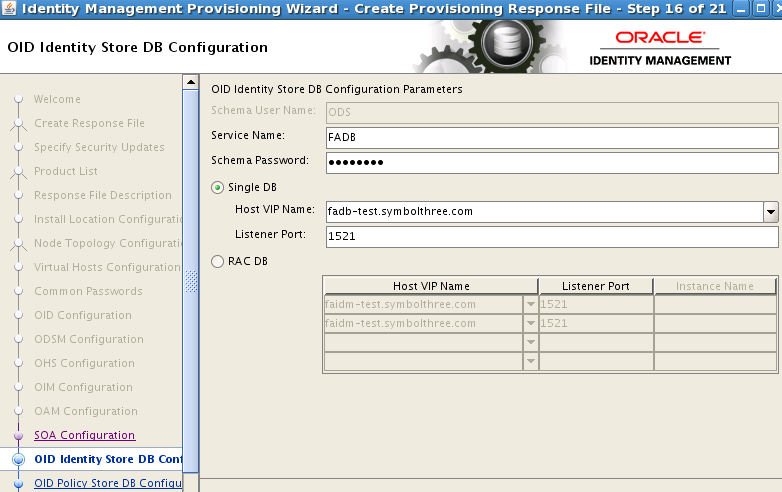
OID ID Store DB Configurationscreen, enter theFADBdatabase info. The SYS password isWelcome1.
Use default settings for the rest of the screens. Finally the response file is generated:
xxxxxxxxxx/oracle/idm/Oracle_IDMLCM1/provisioning/bin/provisioning.rsp/oracle/idm/Oracle_IDMLCM1/provisioning/bin/provisioning_data/cwallet.sso
Change IDSTORE values in provisioning.rsp
These 3 parameters are at the end of the file. Replace those values:
xxxxxxxxxxIDSTORE_OAMADMINUSER=oamadminIDSTORE_OAMSOFTWAREUSER=oamLDAPIDSTORE_OIMADMINUSER=oimLDAP
| Table of Content | Next |
| Home | Repositories | Blog |
© 2026 by Christopher Ho. All Rights Reserved