3. IDM Installation ‐ Part 3
Provision (Install & Config) IDM
After creating the response file, we can finally able to do the installation and configuration. All actions will be taken care by the same Wizard program.
Start the wizard again
xxxxxxxxxxJAVA_HOME=/oracle/jdk6export JAVA_HOMEcd /oracle/idm/Oracle_IDMLCM1/provisioning/bin./idmProvisioningWizard.sh &
Select
provisioning an identity management environment. Choose the file/oracle/idm/Oracle_IDMLCM1/provisioning/bin/provisioning.rsp
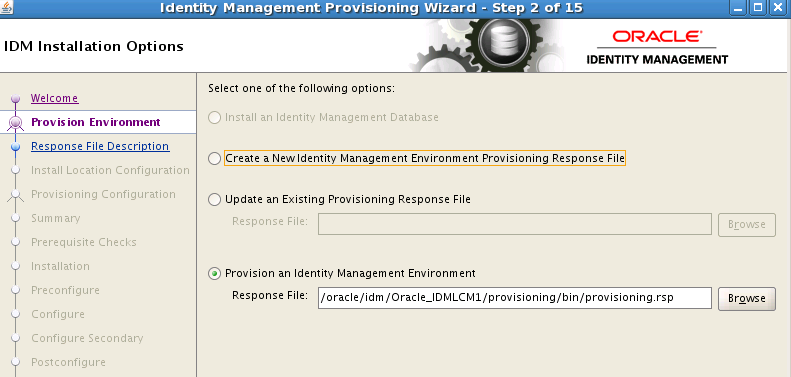
Take all default and reach
Pre-requsiste Checksscreen
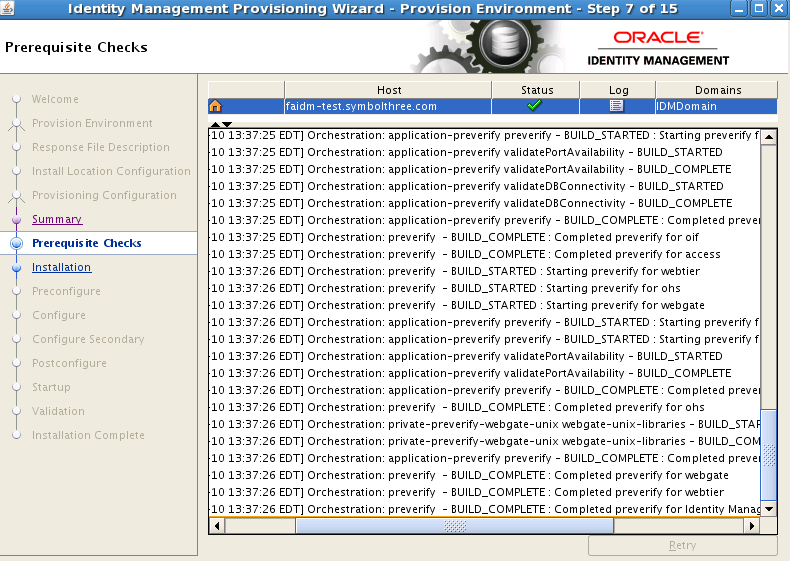
Click "Next" then the process start. It have 7 stages, and each stage has it's own log files. You can check the status of ecah stage by
tail -f /oracle/idm/config/provisioning/logs/[hostname]/runIDMProvisioning-
.out
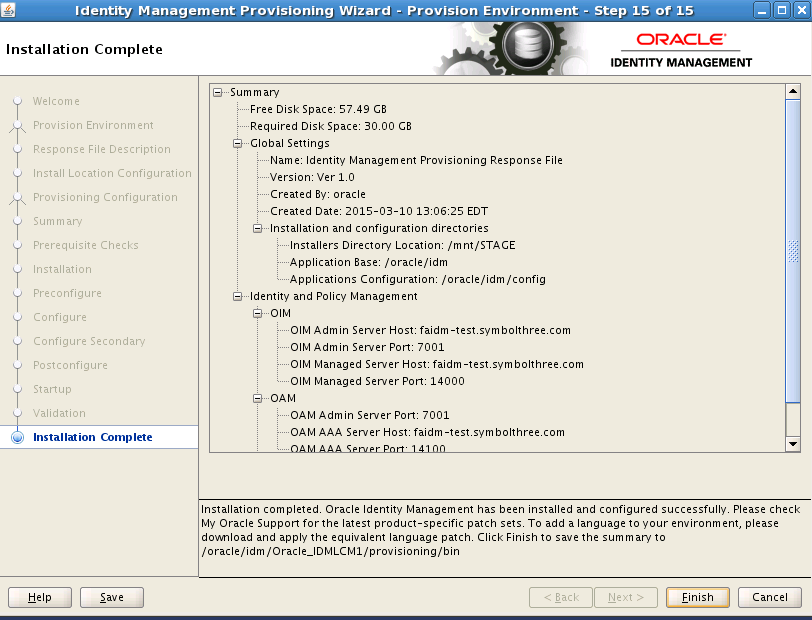
You need to click
Nextwhen a stage is done. So you probably need to check progress periodically. Here is the breakdown of the running time for each stage:
| Stage | Time |
|---|---|
| Installation | 35 mins |
| Preconfigure | 30 mins |
| Configure | 12 mins |
| Configure Secondary | 2 mins |
| Post Configure | 16 mins |
| Startup | 12 mins |
| Validation | 1 min |
| Total | 108 mins |
Finally, copy the
idmsetup.propertiestofolder. This file is needed in FA installation.
cp /oracle/idm/config/fa/idmsetup.properties <stage>
| Table of Content | Next |
| Home | Repositories | Blog |
© 2026 by Christopher Ho. All Rights Reserved