3. Fusion Applications Installation ‐ Part 1
Install Fusion Applications Provisioning Framework
Now you are in
FUSIONnode. Similar to IDM provisioning, you need to install the provisioning program, generate a response file, and finally run the provisioning.Same as in
FAIDM, create OS group and useroracle, root folder/oracle, and then grant permissionchown oracle:oracle /oracle. Prepare the JDK and run the installer:
xxxxxxxxxxsu - oracleunzip <STAGE>/installers/jdk/jdk.zip /oracleJAVA_HOME=/oracle/jdk6export JAVA_HOMEcd <STAGE>/installers/faprov/Disk1/./runInstaller -jreLoc /oracle/jdk6 &
Similar to IDM LCM, you will be asked to configure the Oracle Inventory directory. Follow the instructions, and the installer will restart.
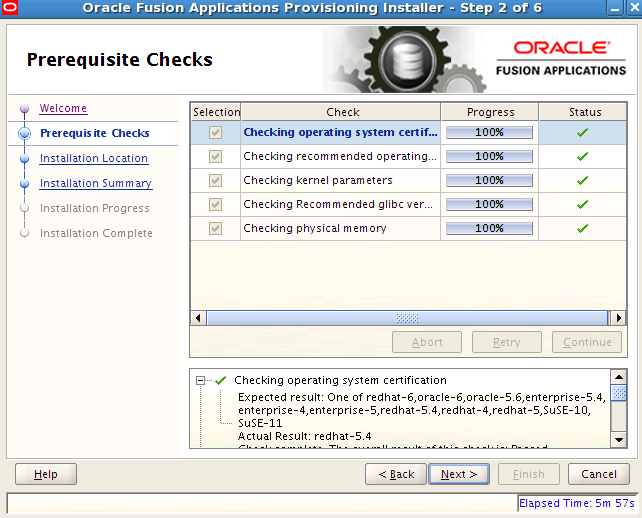
In the Prequisite Checks screen, the RPM libraries checked are the same list as of
IDM Provisioning Wizard.
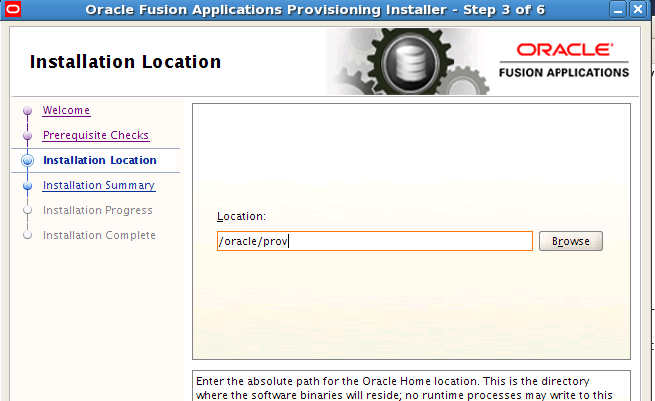
Set Installation Location to
/oracle/prov
Finish the installation and a new folder
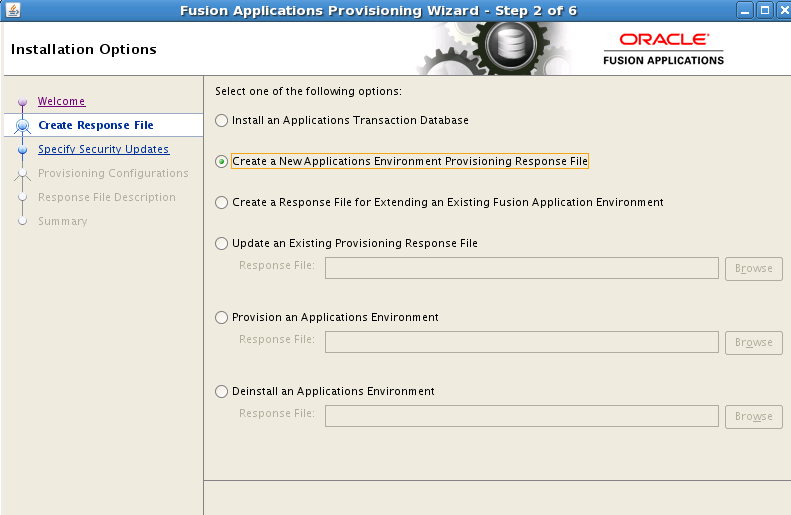
/oracle/provis created.Now you can start the Provisioning wizard to create the response file:
xxxxxxxxxxcd /oracle/prov/provisioning/bin./provisioningWizard.sh -ignoreSysPrereqs true &
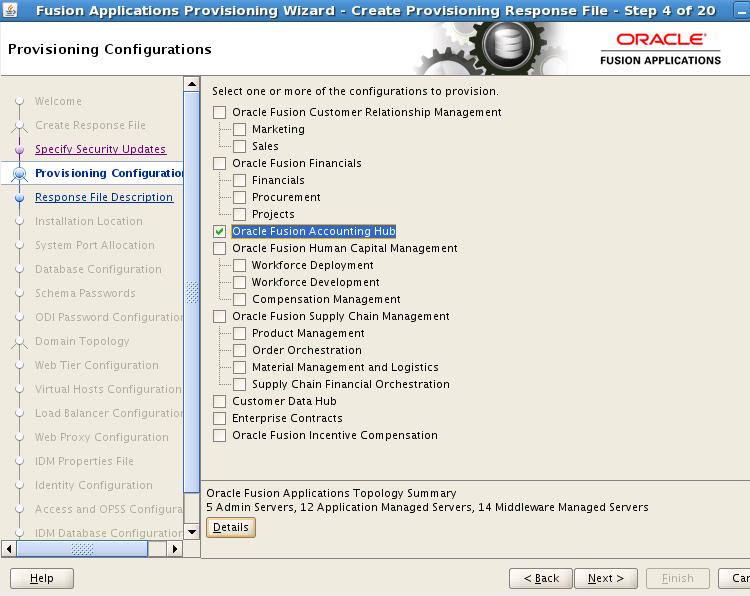
In
Provisioning Configuration, selectOracle Fusion Accounting Hub. The is the configuration with the smallest footprint, yet it has most of the basic Finance configuration.
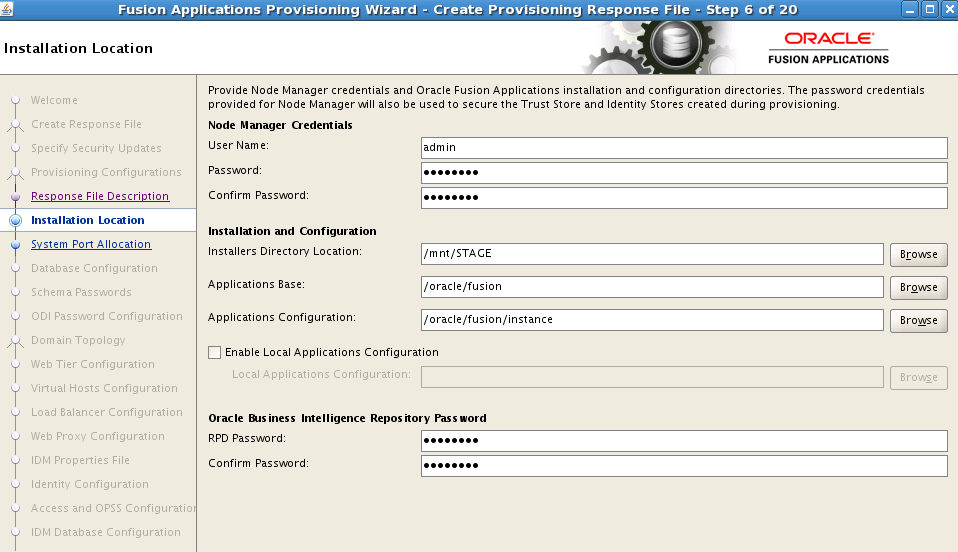
In the
Installation Locationscreen, all the passwords areWelcome1. We install all the components under/oracle/fusion.
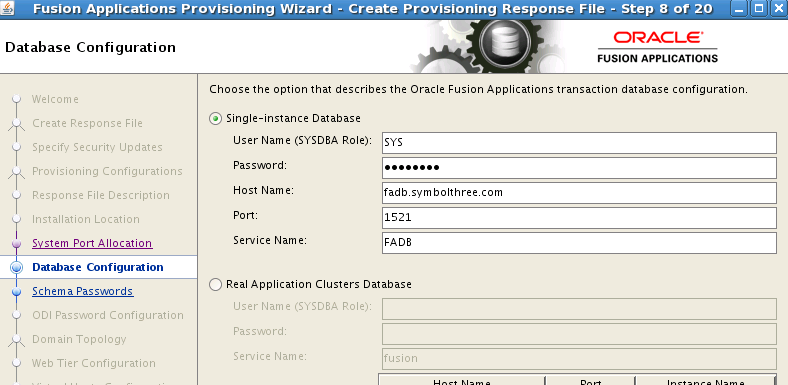
Database Configuration is the info for
FADBinstance
Schema Passwords & ODI Password,
Welcome1all the way !
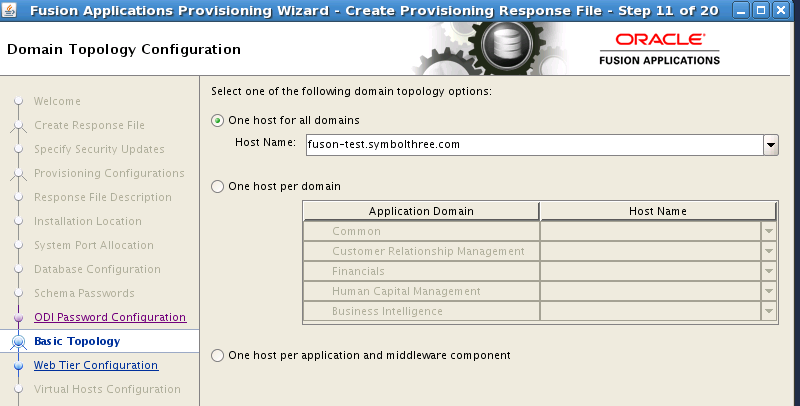
In Basic Topology screen, select
One host for all domains, and enter the FQDM of this node.
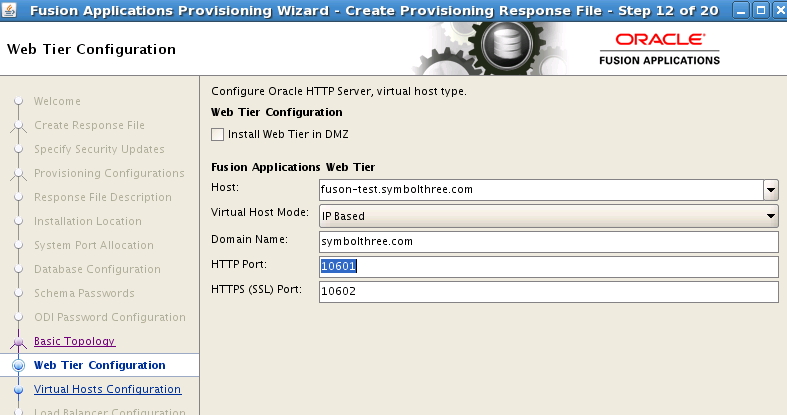
In Web Tier Configuration screen, again the hostname is FQDM of this node.
In Load Balancing screen, uncheck
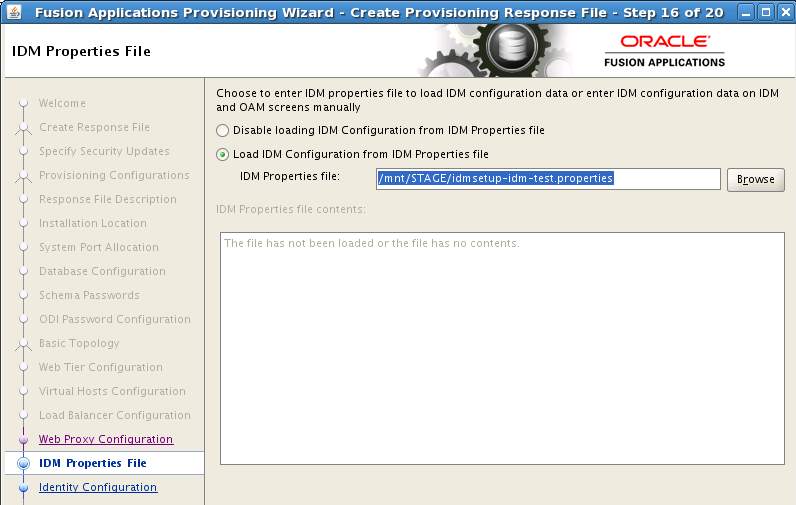
Enable Load Balancing.In the IDM Properties File screen, select the idmsetup.properties file created by IDM provisioning. The content will be loaded and populated in the next few screens.
In
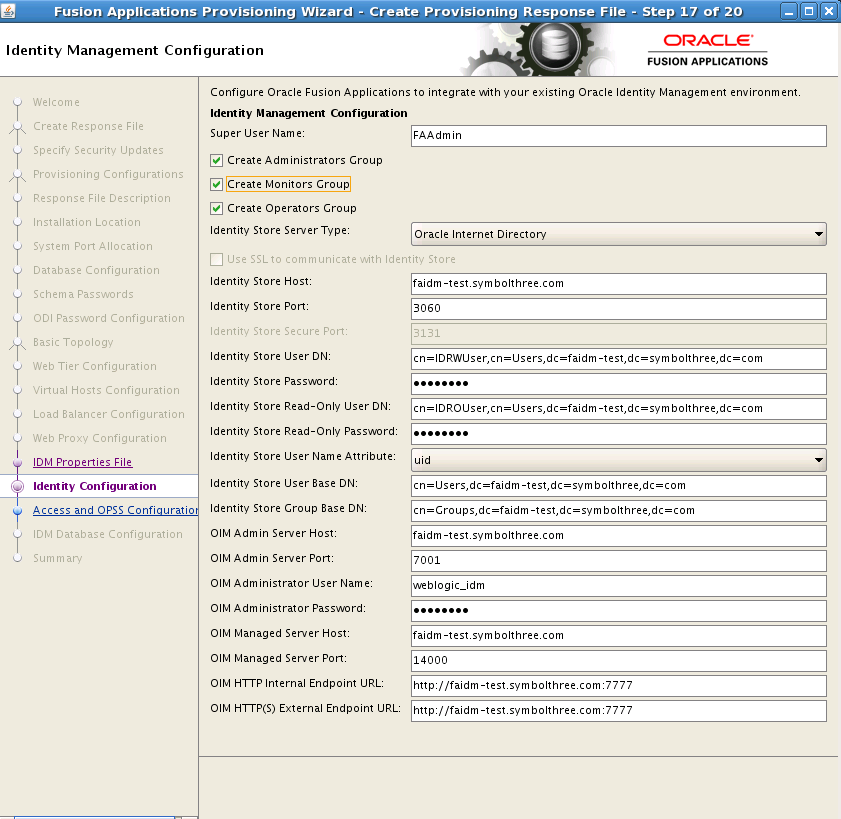
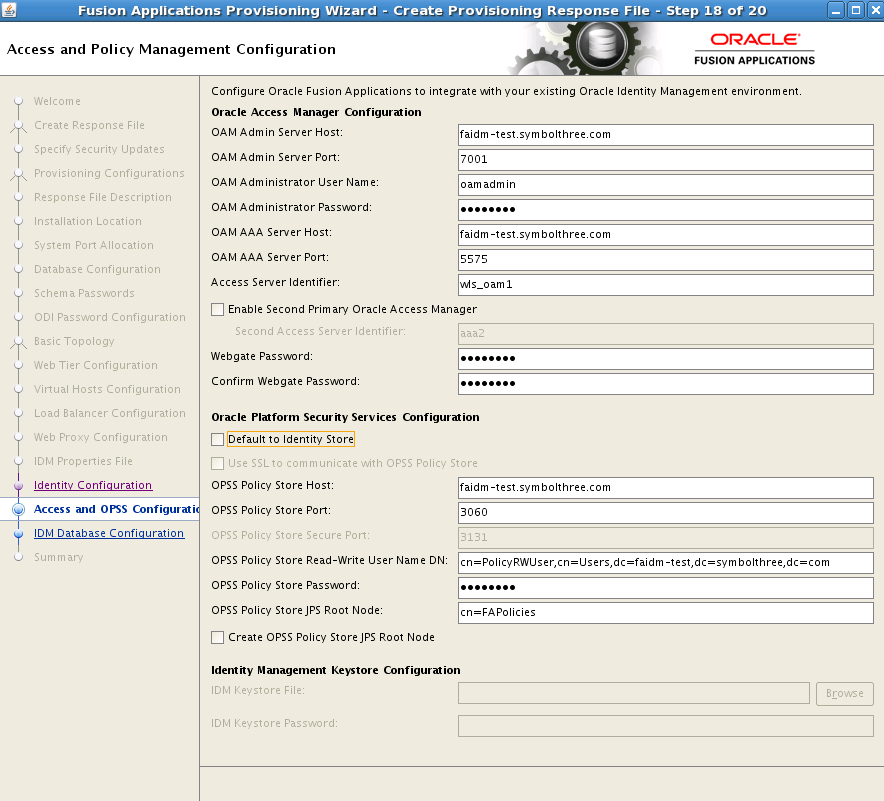
Identity ConfigurationandAccess and OPSS Configurationscreens, re-enter all the passwords.
In IDM Database Configuration screen, enter the FADB info, and change the schema owner to
FA_MDS.
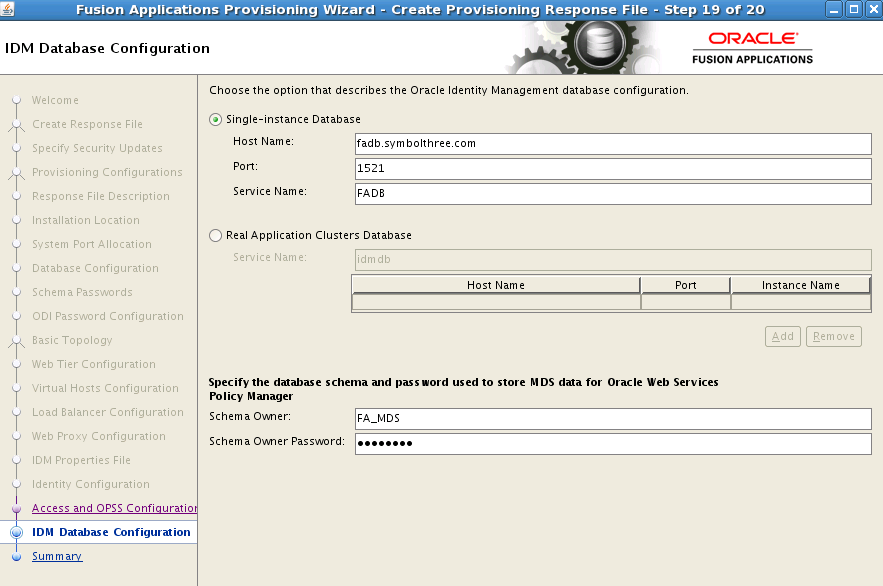
Finish the wizard and the provisioning response files are generated in
xxxxxxxxxx/oracle/prov/provisioning/bin/provisioning.rsp/oracle/prov/provisioning/bin/provisioning_data/cwallet.sso
| Table of Content | Next |
| Home | Repositories | Blog |
© 2026 by Christopher Ho. All Rights Reserved